GPT Image 2 Generator for Text-Ready AI Images
Create GPT image visuals online with readable in-image text, realistic UI details, product mockups, image editing, and 4K output options.
Sign up for free to get 30 credits to start • No credit card required
Create with GPT Image 2 Online
Text Rendering
UI Screenshots
Photorealism
Prompt Control
What Changes with ChatGPT Images 2.0
Compare text rendering, UI mockups, and fine-detail realism before choosing the best AI image generator for production work.
Readable In-Image Text
Generate posters, signs, labels, UI buttons, and social graphics with words that stay legible and integrated in the scene.
Realistic Screenshots & Photos
Create UI mockups, product shots, portraits, and textured scenes with cleaner lighting, materials, and composition.
Built for Practical GPT Image Work
Use one workflow for text to image, image editing, mockups, and prompt-controlled visuals without repeating the same prompt from scratch.
Create readable labels, banners, speech bubbles, and marketing copy directly inside generated images.
Generate fast 1K drafts, then switch to 4K output when your project needs final-quality visuals.
Render recognizable interfaces, diagrams, objects, and scene details with stronger world knowledge and visual consistency.
Handle multi-part prompts, specific placements, color requirements, and detailed creative direction with fewer retries.
Choose the Right Model
Compare Nano Banana 2, GPT Image 1.5, and GPT Image 2 by text rendering, mockups, prompt following, and output quality.
Use One AI Image Generator Across Creative Workflows
From accurate infographics to product mockups and UI concepts, build visuals where text, layout, and detail matter.
Create educational diagrams, data visuals, and labeled explainers with clearer text inside the image.
Solar system infographic with readable labels
Coffee production process infographic
Renewable energy data visualization poster
Draft panels, scenes, and visual narratives with stronger multi-step prompt following and coherent details.
Four-panel robot cooking comic
Noir detective storyboard sequence
Children's book forest illustration
Create social posts, ad concepts, and marketing mockups with readable headlines, labels, and CTA text.
Summer sale social media ad
Premium headphones product launch poster
Italian bistro menu card design
Refine existing visuals, backgrounds, and compositions while keeping the output natural and polished.
Mountain lake photo enhancement
Business portrait background replacement
Architectural sunset photo transformation
How to Use GPT Image 2 Online
Turn a detailed prompt into a production-ready AI image in three focused steps.
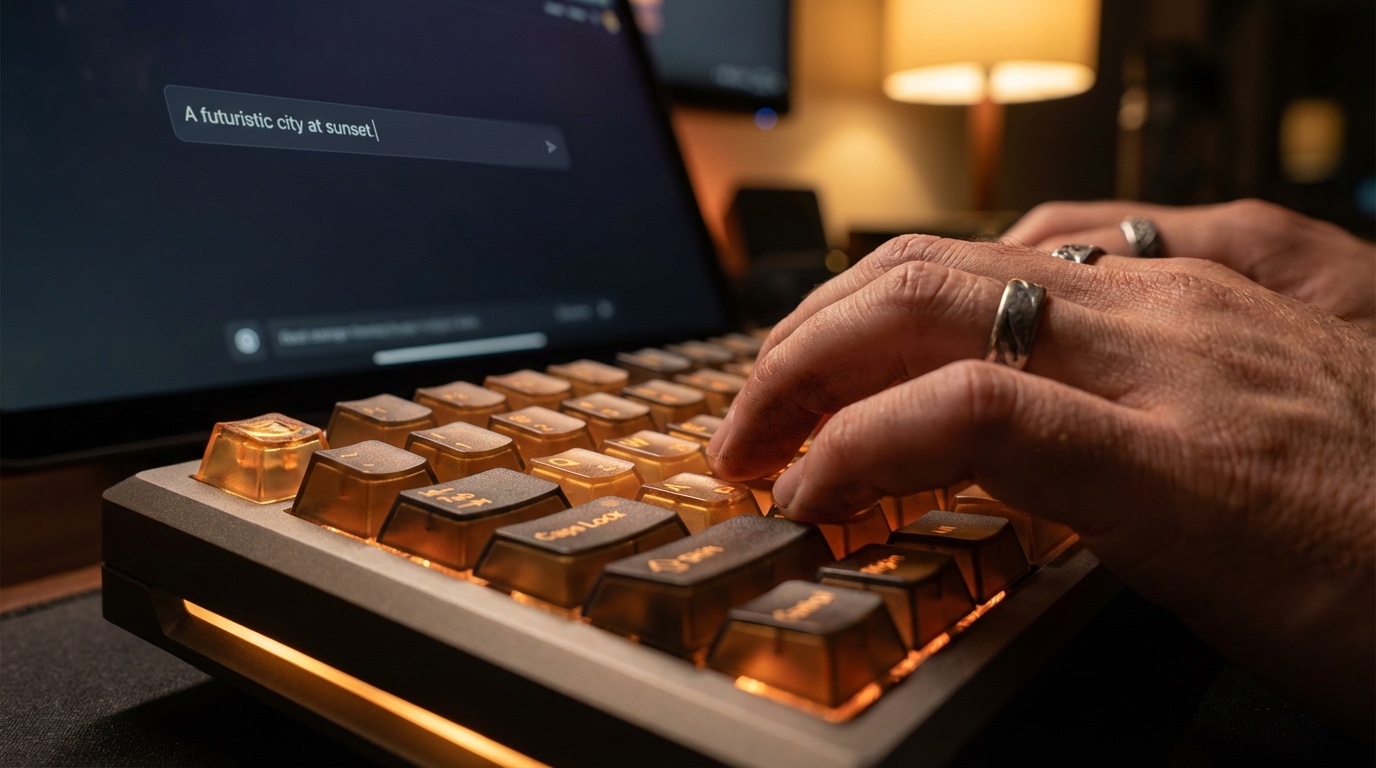
Describe Your Vision
Enter the subject, scene, exact text, layout, and style you want the model to render.
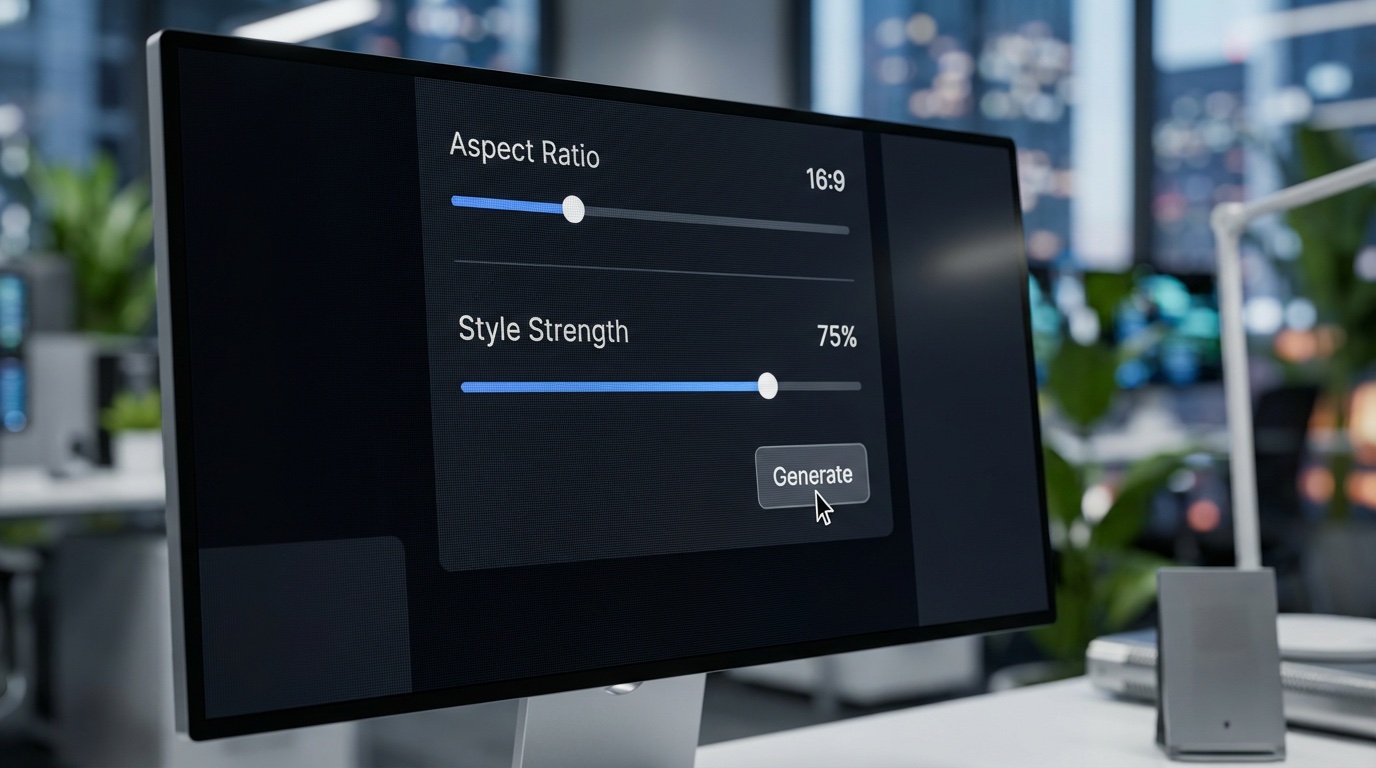
Refine Settings
Choose format, aspect ratio, resolution, reference images, and creative direction before generation.
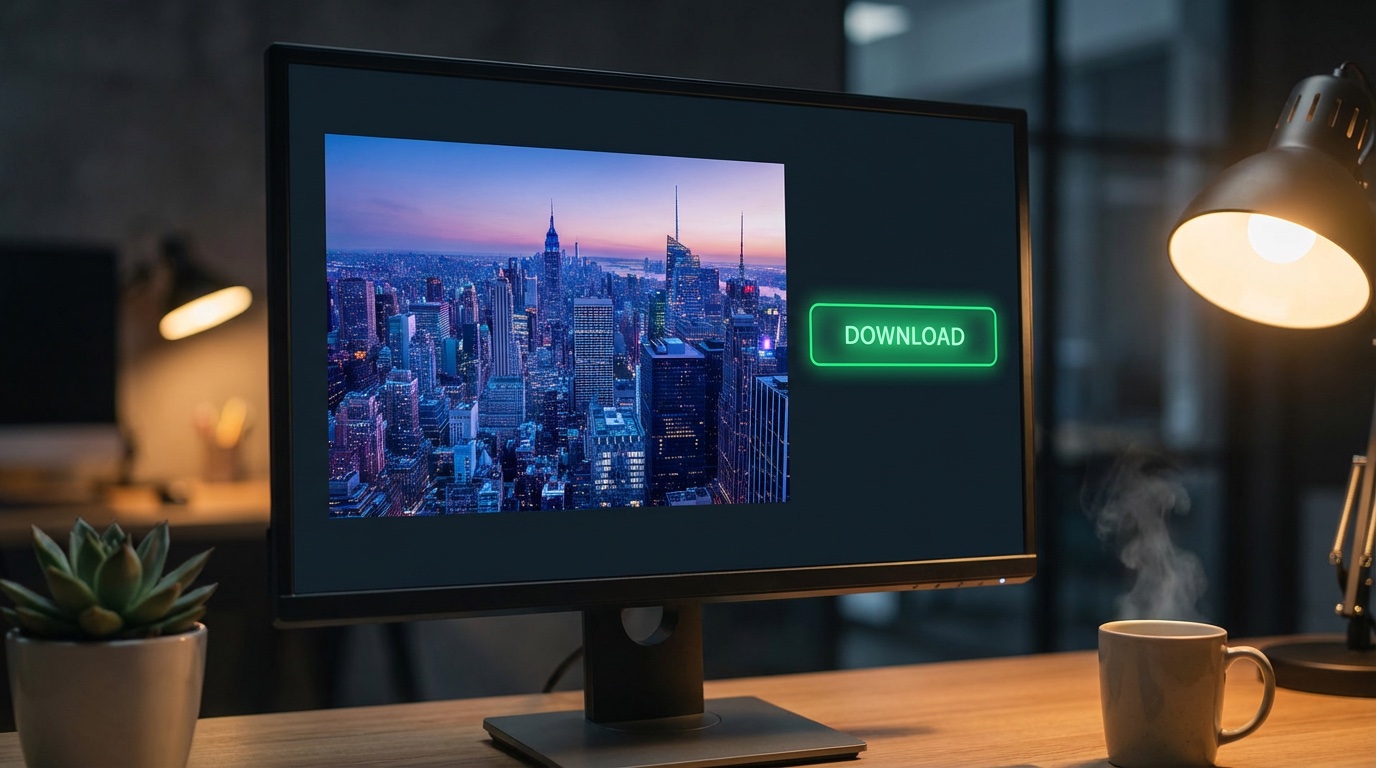
Generate & Download
Download a clean result for campaigns, UI concepts, presentations, product visuals, or social content.
Made for Text-Heavy Creative Work
Common ways creators use an online GPT Image 2 generator for production-focused visuals.
"Campaign layouts need readable headlines, product labels, and CTA text before a direction is worth sending to design."
"Concept boards work better when the prompt can specify lighting, camera feel, materials, and scene composition together."
"Ad concepts are easier to evaluate when the rough image already includes legible messaging and realistic product context."
"Campaign layouts need readable headlines, product labels, and CTA text before a direction is worth sending to design."
"Concept boards work better when the prompt can specify lighting, camera feel, materials, and scene composition together."
"Ad concepts are easier to evaluate when the rough image already includes legible messaging and realistic product context."
"Campaign layouts need readable headlines, product labels, and CTA text before a direction is worth sending to design."
"Concept boards work better when the prompt can specify lighting, camera feel, materials, and scene composition together."
"Ad concepts are easier to evaluate when the rough image already includes legible messaging and realistic product context."
"Campaign layouts need readable headlines, product labels, and CTA text before a direction is worth sending to design."
"Concept boards work better when the prompt can specify lighting, camera feel, materials, and scene composition together."
"Ad concepts are easier to evaluate when the rough image already includes legible messaging and realistic product context."
"UI screenshot ideas need believable interface details, not decorative panels that fall apart when a client inspects them."
"Photo treatments improve when the prompt names the lens feel, lighting direction, background, and final composition."
"Production briefs often need text, layout, product context, and style constraints to survive the first review."
"UI screenshot ideas need believable interface details, not decorative panels that fall apart when a client inspects them."
"Photo treatments improve when the prompt names the lens feel, lighting direction, background, and final composition."
"Production briefs often need text, layout, product context, and style constraints to survive the first review."
"UI screenshot ideas need believable interface details, not decorative panels that fall apart when a client inspects them."
"Photo treatments improve when the prompt names the lens feel, lighting direction, background, and final composition."
"Production briefs often need text, layout, product context, and style constraints to survive the first review."
"UI screenshot ideas need believable interface details, not decorative panels that fall apart when a client inspects them."
"Photo treatments improve when the prompt names the lens feel, lighting direction, background, and final composition."
"Production briefs often need text, layout, product context, and style constraints to survive the first review."
Start for free, upgrade for power.
Flexible plans for every creator.
Basic
2200 credits/month
- 73 high-quality images per month
- No watermark
- All style templates included
- Standard generation speed
- Basic customer support
- Commercial Use License
Pro
9000 credits/month
- 300 high-quality images per month
- No watermark
- All style templates included
- Priority generation queue
- Priority customer support
- Batch generation feature (Coming soon)
- Commercial Use License
Max
40000 credits/month
- 1333 high-quality images per month
- No watermark
- All style templates included
- Priority generation queue
- Priority customer support
- Batch generation feature (Coming soon)
- Commercial Use License
Frequently Asked Questions
Answers for GPT Image 2 access, free credits, API use, 4K output, and prompt quality on GPTImage100.
Q1How do I use GPT Image 2 online?
Describe the image you want, choose the model, set the aspect ratio and resolution, then generate from the browser. GPTImage100 is built for text to image, image editing, UI screenshots, product mockups, and marketing visuals.
Q2Is GPT Image 2 free to use on GPTImage100?
Yes. New users can start with free credits and no credit card. Paid plans unlock more generation capacity and premium options, including 4K output when eligible settings are selected.
Q3Do I need the GPT Image 2 API to create images?
No. You can create images from the GPTImage100 web interface without setting up an API key. Developers who need programmatic access should review OpenAI's official API documentation for gpt-image-2.
Q4What is the difference between GPT Image 2 and ChatGPT Images 2.0?
Searchers often use both names when looking for OpenAI image generation tools. On GPTImage100, the focus is practical creation: online prompts, reference images, aspect ratios, readable text, mockups, and downloadable results.
Q5Can GPT Image 2 create 4K images?
Yes, with limits. 4K output is available for paid users when a supported aspect ratio other than Auto or 1:1 is selected. Use 1K for quick drafts, then switch to eligible 4K settings for final visuals.
Start Creating with GPT Image 2 Online
Generate text-ready AI images, realistic UI mockups, product visuals, and edited assets for production workflows.