GPT Image 2 - Text-Accurate Image Generator
Create with GPT Image 2 online: generate readable in-image text, UI mockups, product visuals, image edits, and 4K output options.
Use One AI Image Generator Across Creative Workflows
From accurate infographics to product mockups and UI concepts, build visuals where text, layout, and detail matter.
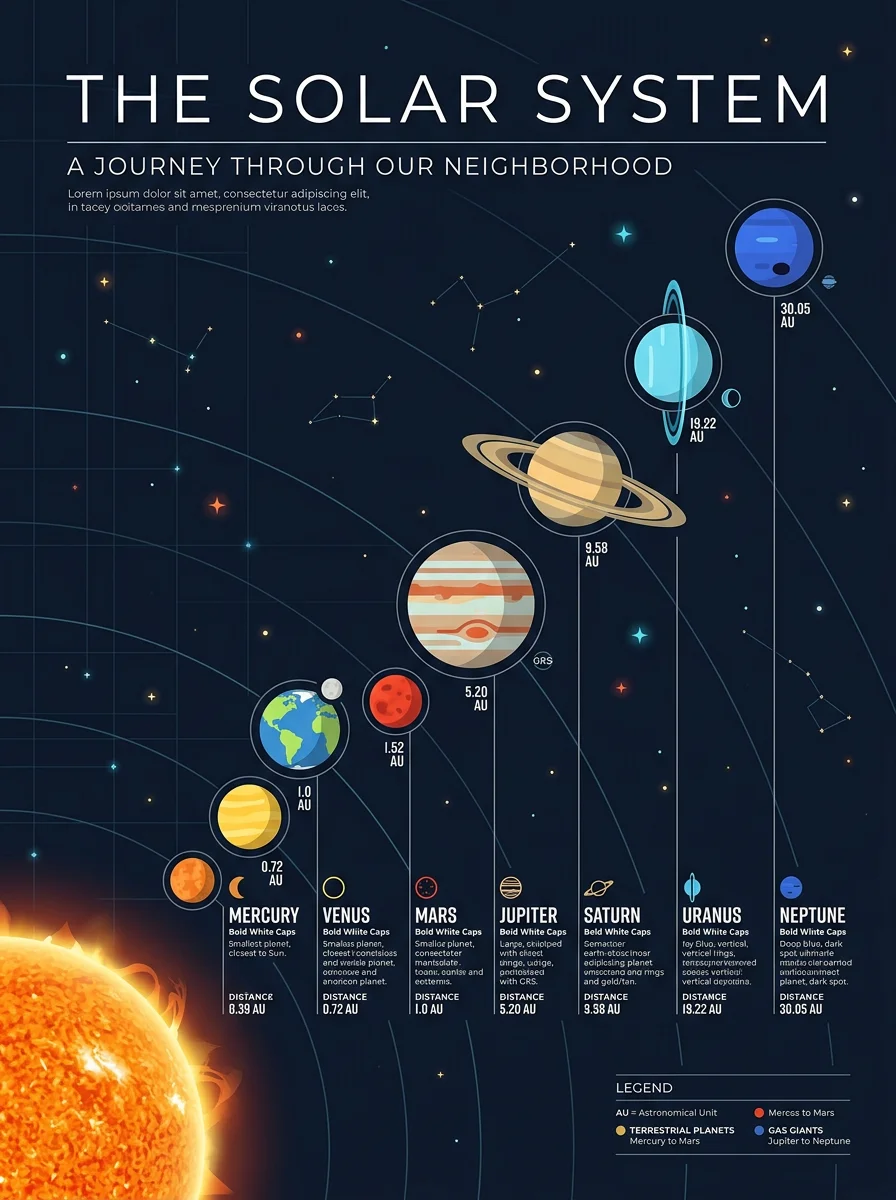
Create educational diagrams, data visuals, and labeled explainers with clearer text inside the image.
Solar system infographic with readable labels
Coffee production process infographic
Renewable energy data visualization poster
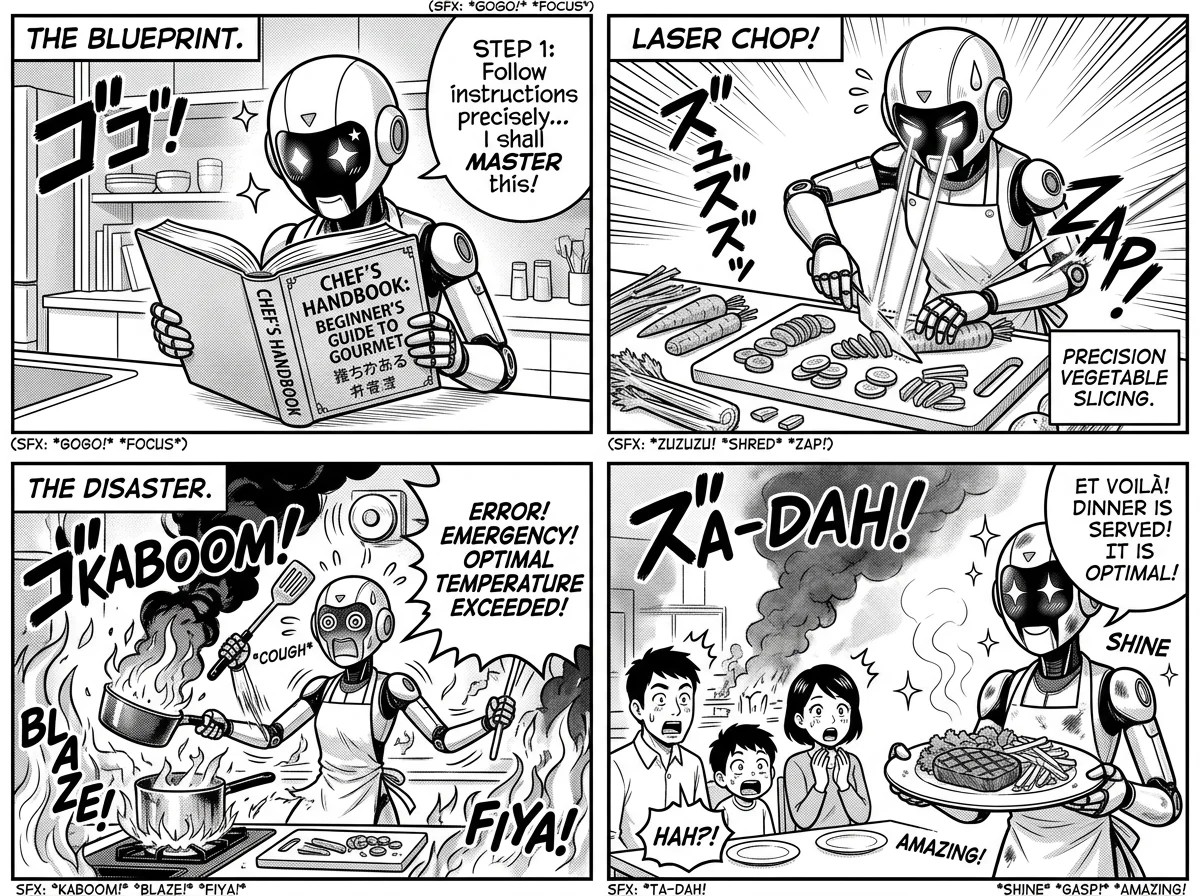
Draft panels, scenes, and visual narratives with stronger multi-step prompt following and coherent details.
Four-panel robot cooking comic
Noir detective storyboard sequence
Children's book forest illustration
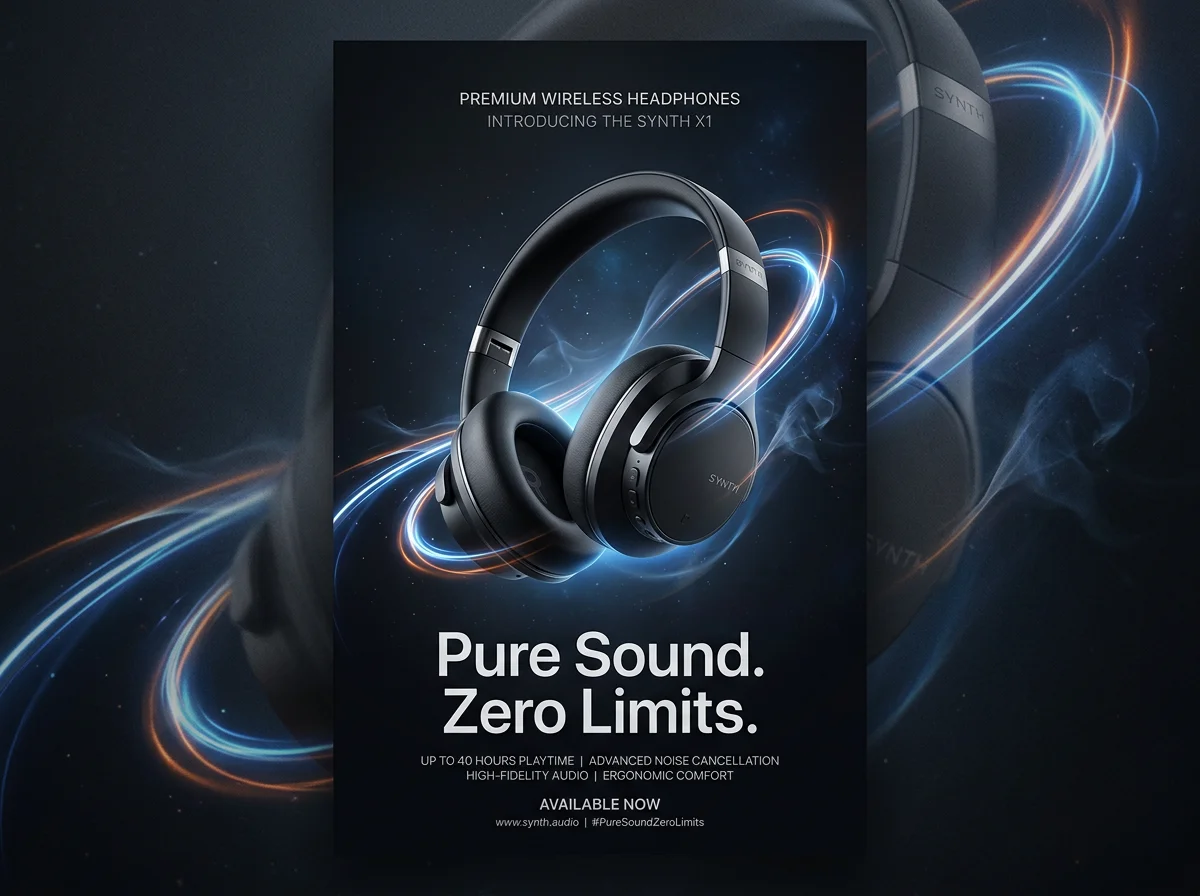
Create social posts, ad concepts, and marketing mockups with readable headlines, labels, and CTA text.
Summer sale social media ad
Premium headphones product launch poster
Italian bistro menu card design
Refine existing visuals, backgrounds, and compositions while keeping the output natural and polished.
Mountain lake photo enhancement
Business portrait background replacement
Architectural sunset photo transformation
What GPT Image 2 Does Best
GPT Image 2 is strongest when an image needs both visual quality and precise prompt control: readable text, believable layouts, reference-aware edits, and production-ready aspect ratios.
Readable In-Image Text
Create posters, UI labels, product packaging, social graphics, and diagrams where short text needs to stay legible inside the final image.
Native Image Editing
Upload reference images and describe the change you want, from replacing a background to restyling an object while keeping the important context intact.
UI Mockups and Screenshots
Generate realistic app screens, landing page concepts, dashboards, and device mockups with interface details that look intentional instead of decorative.
1K Drafts to 4K Output
Use 1K for fast concepting, then move to 2K or 4K output when the aspect ratio and account eligibility support higher-resolution results.
Product and Marketing Visuals
Turn a product idea, offer, or campaign brief into polished hero images, ad concepts, packaging directions, and ecommerce-ready visual treatments.
Detailed Prompt Following
Write prompts with subject, exact copy, layout, material, lighting, lens feel, and constraints so the model can follow a production-style creative brief.
Best GPT Image 2 Use Cases
Use GPT Image 2 when the output needs more than a pretty picture. It is especially useful for visual work that includes text, layout, product context, or iterative editing.

Ads and Social Campaigns
Explore campaign concepts with readable headlines, product context, CTA text, seasonal themes, and multiple aspect ratios for paid and organic channels.
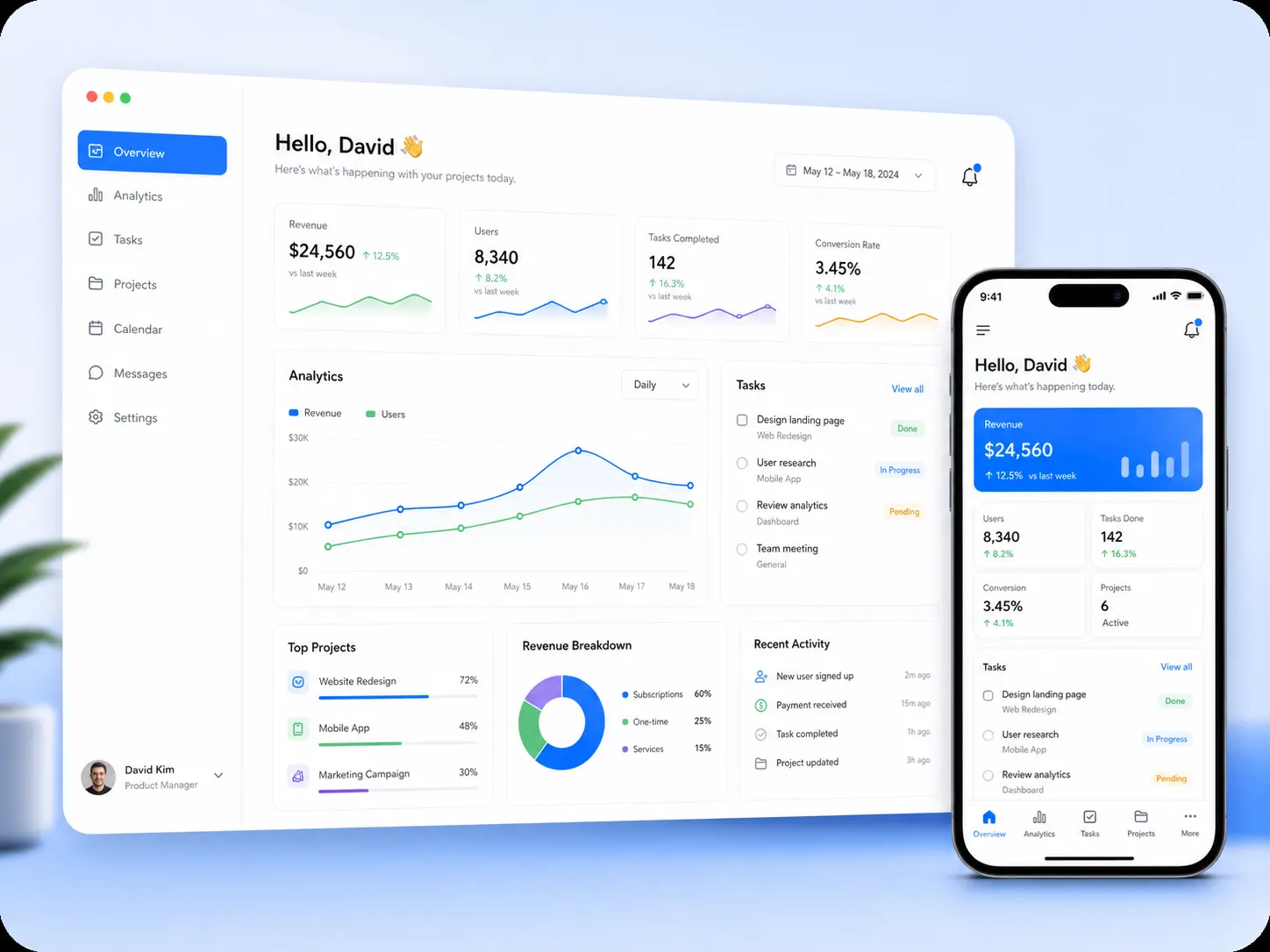
UI Concepts and App Screens
Draft app screenshots, SaaS dashboards, onboarding screens, landing page sections, and mobile interface concepts before moving into design tools.
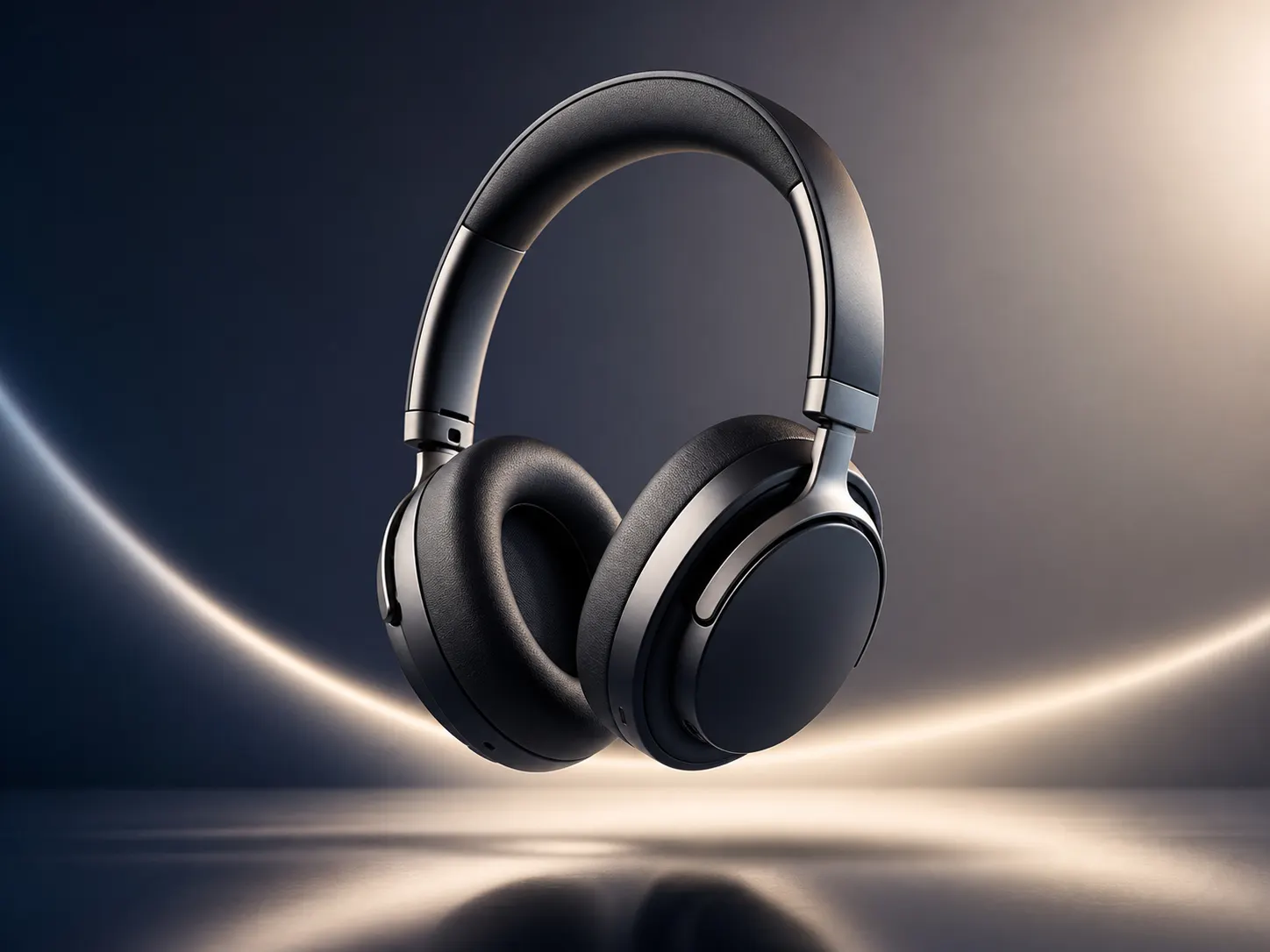
Product Mockups
Create packaging ideas, ecommerce hero shots, lifestyle product scenes, and catalog-style images with controlled materials, lighting, and composition.
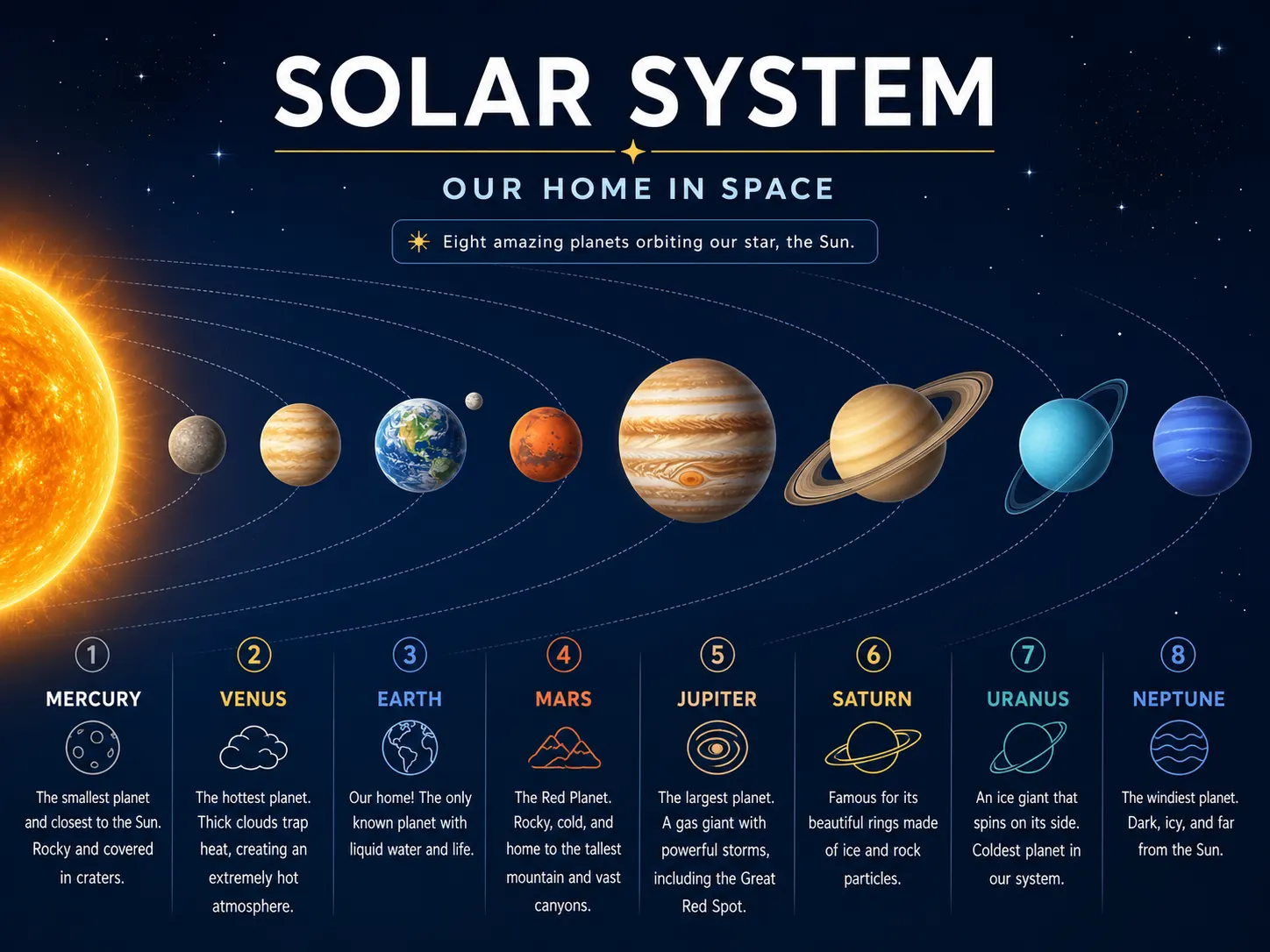
Infographics and Diagrams
Generate simple visual explainers, labeled scenes, process diagrams, and educational graphics where short words and clear hierarchy matter.
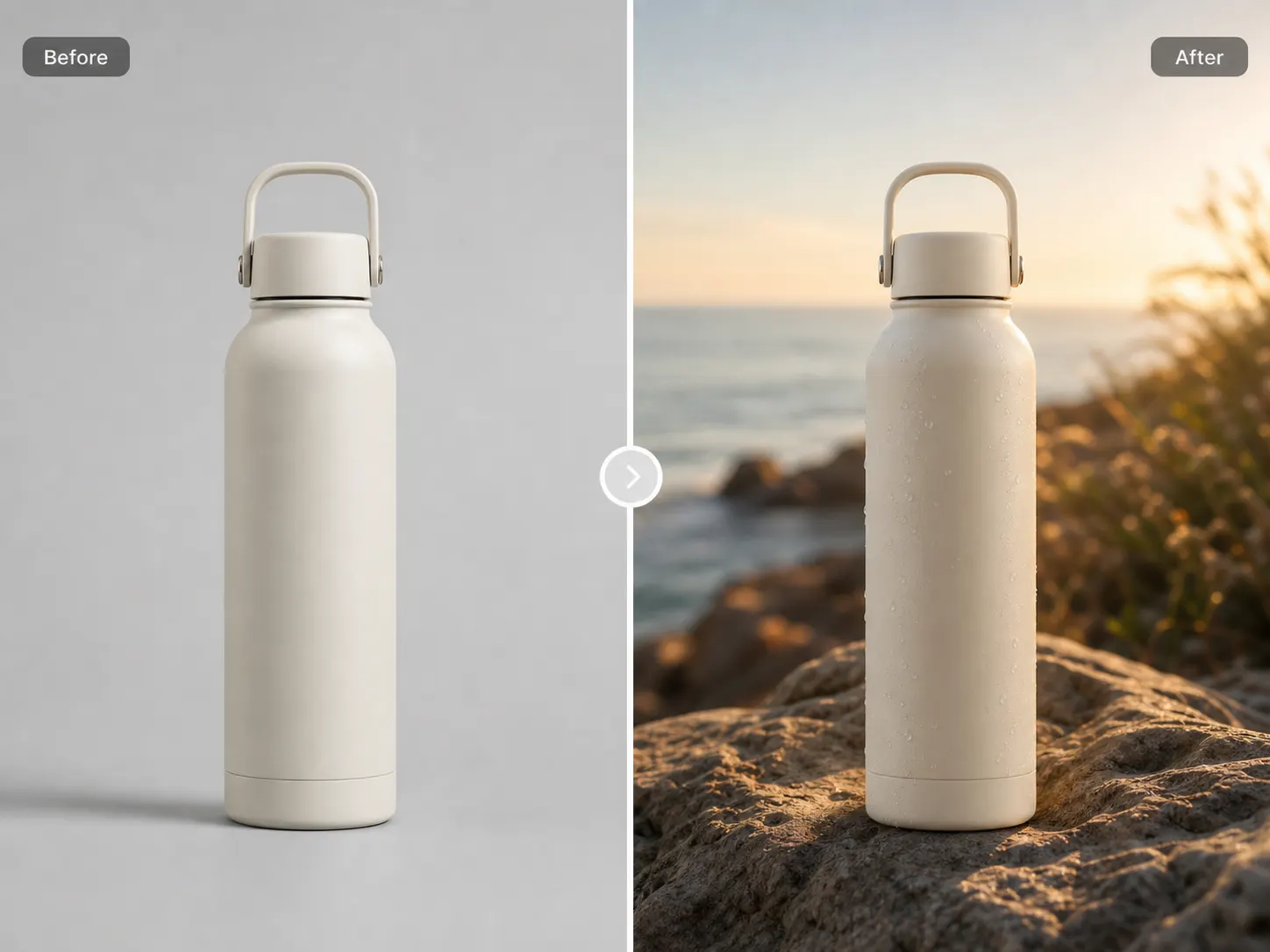
Image Variants and Edits
Use reference images to create alternate backgrounds, visual styles, placements, object treatments, or campaign variants without rebuilding from scratch.
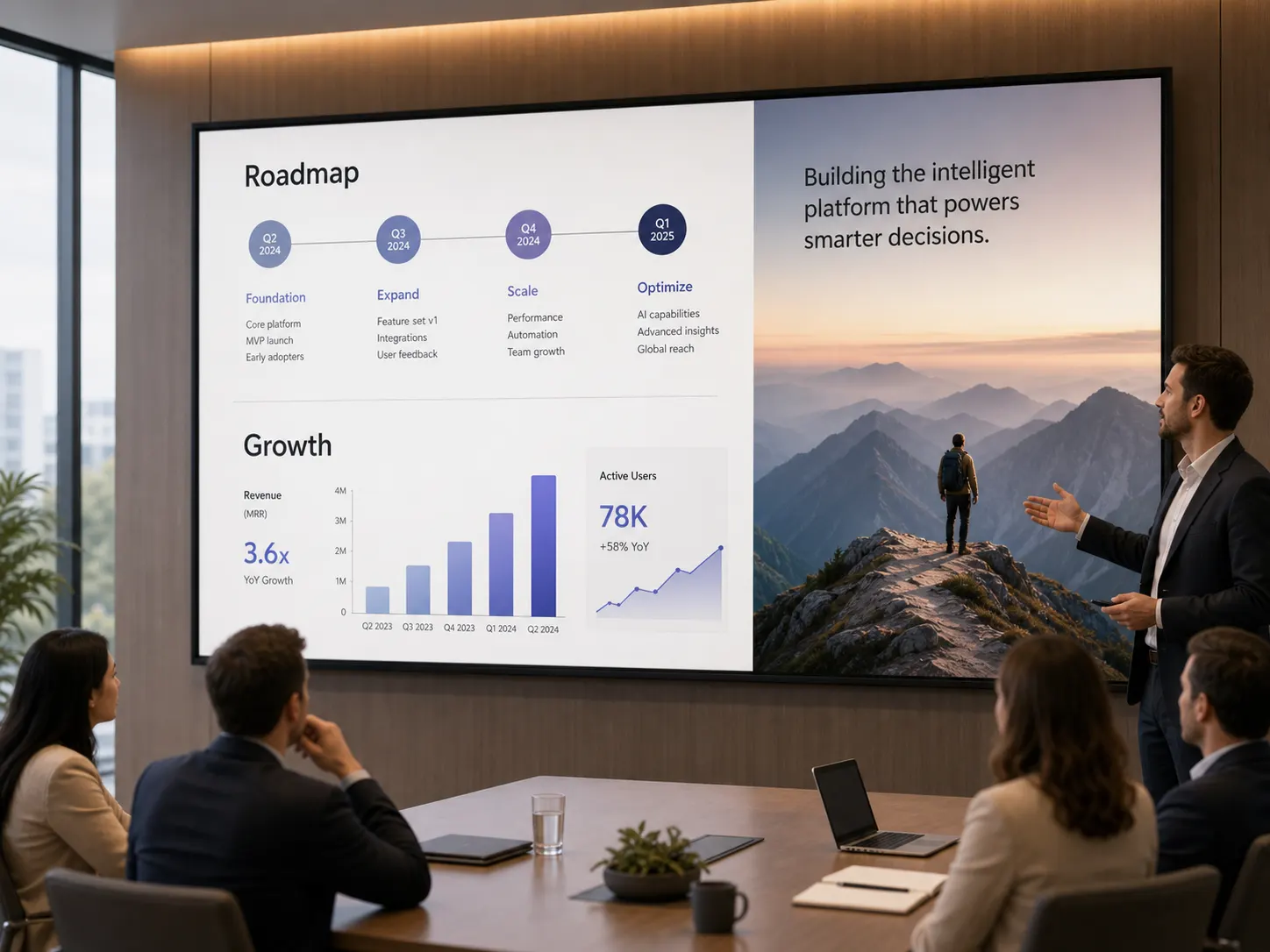
Pitch and Presentation Visuals
Produce concept art, product slides, storyboard frames, and executive-ready visuals that communicate an idea quickly in review meetings.
GPT Image 2 vs Other Image Models
Choose GPT Image 2 when text accuracy, editing control, and production-style prompting matter more than simple low-cost image generation.
| Feature | GPT Image 2 | GPT Image 1.5 | Nano Banana 2 |
|---|---|---|---|
| Text Rendering | Best for readable short copy | Good for simple labels | Strong, especially with search context |
| Image Editing | Reference-aware edits and variants | Reliable prompt-based editing | Flexible editing with many references |
| Output Quality | 1K, 2K, and eligible 4K output | Quality mode for detailed results | Up to 4K with broad format support |
| Best Fit | Text-heavy creative work and mockups | General high-quality image creation | Search-aware images and fast variants |
GPT Image 2 FAQ
Direct answers about GPT Image 2 generation, editing, readable text, API needs, and 4K output on GPTImage100.
Q1What is GPT Image 2?
GPT Image 2 is an AI image generation and editing model for creating visuals from prompts and reference images. On GPTImage100, this model page gives you a focused browser workflow for text-to-image, image-to-image, aspect ratio control, and resolution settings.
Q2Can GPT Image 2 generate readable text in images?
Yes. GPT Image 2 is a strong choice for short, readable in-image text such as posters, labels, signs, UI copy, buttons, and social graphics. For best results, put the exact wording in your prompt and keep dense paragraphs out of the image.
Q3Can I edit existing images with GPT Image 2?
Yes. Upload reference images and describe the edit you want, such as changing a background, restyling a product, creating campaign variants, or preserving a subject while changing the surrounding scene.
Q4Does GPT Image 2 support 4K output?
Yes, with limits. 4K output is available for paid users when a supported aspect ratio other than Auto or 1:1 is selected. Use 1K for quick drafts and switch to eligible higher-resolution settings when you need final-quality output.
Q5Do I need a GPT Image 2 API key?
No API setup is required to create images on GPTImage100. Use the web form on this page to generate online. Developers who need programmatic access should review OpenAI's official API documentation for gpt-image-2.
Create with GPT Image 2 Online
Use the GPT Image 2 model page to generate readable text, mockups, product visuals, image edits, and high-resolution creative assets from one focused workflow.